

open-typeless
A step-by-step tutorial showing how to use Trellis to build a macOS voice input app from scratch.Source Code:
github.com/mindfold-ai/open-typeless
Project Initialization
Create Electron Project
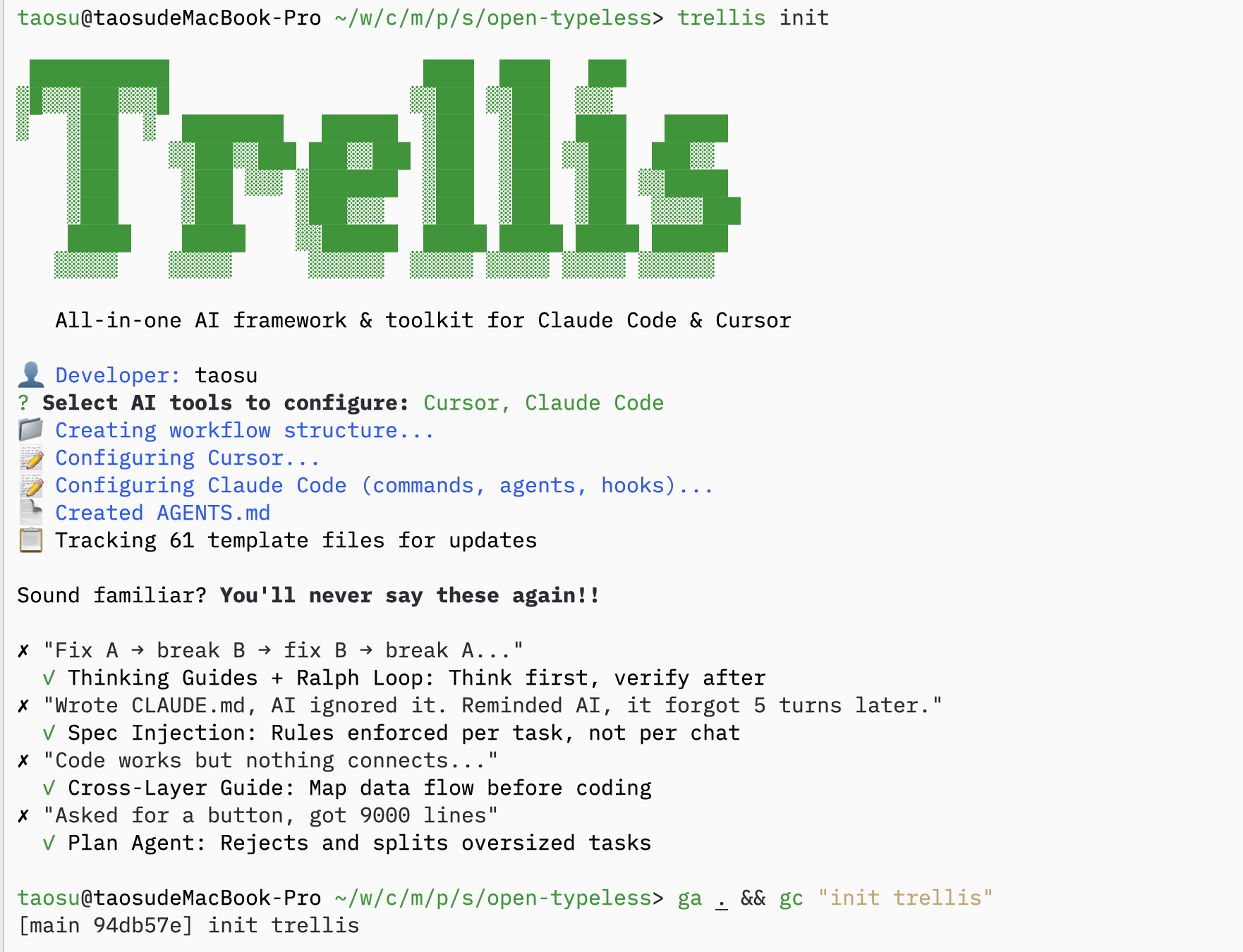
Initialize Trellis
Copy Specs from Existing Project
If you have specs from a similar project, copy them over:Ask AI to Fill in Specs
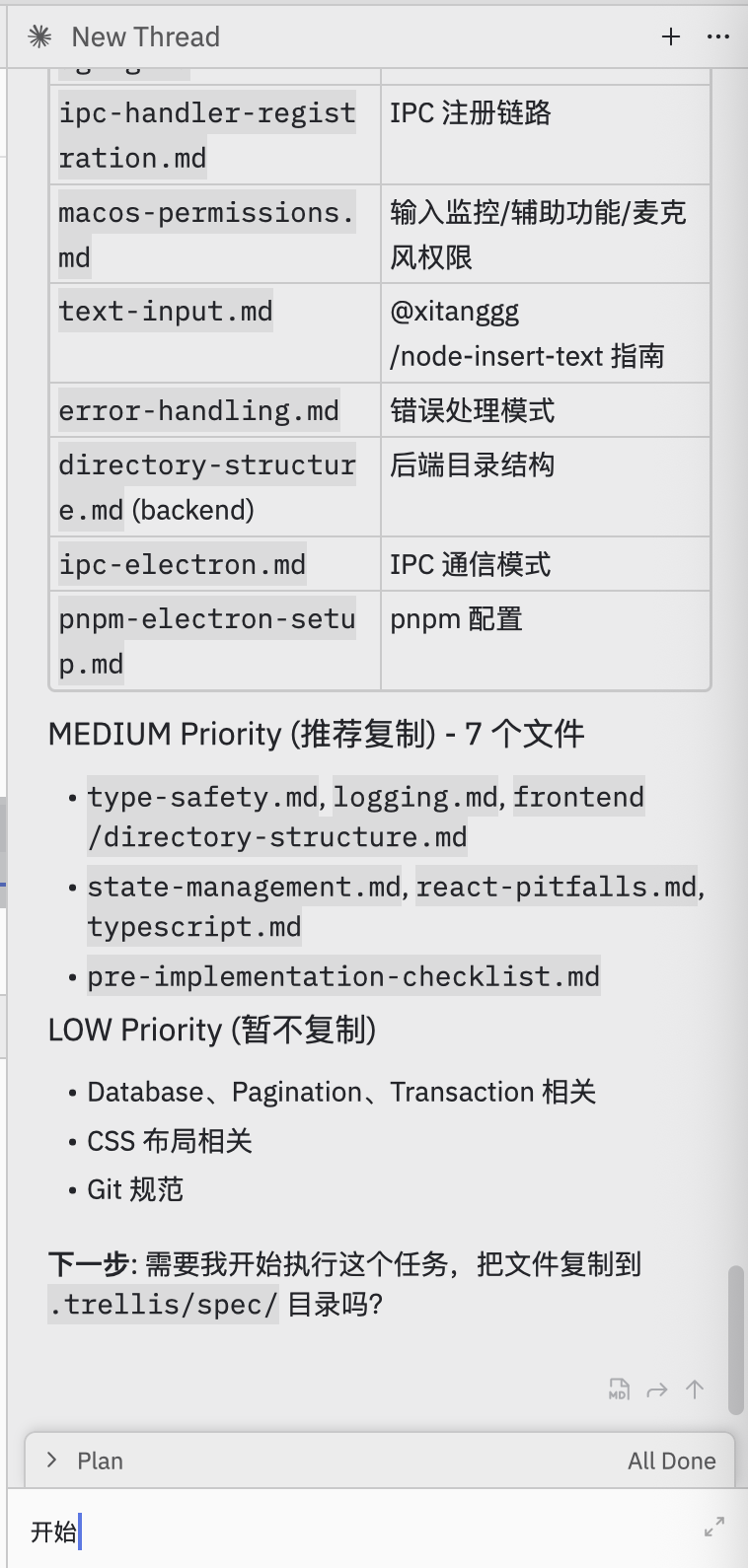
Prompt:Help me select useful specs from electron-doc/ and organize them into this project’s .trellis/spec/AI will analyze and organize specs:
Task Planning
Ask AI to Plan Tasks
Prompt:I want to use Volcengine ASR BigModel API to build this. Help me plan how to break down the tasks.AI creates a batch-based task plan:

Create Tasks
AI creates tasks organized into batches: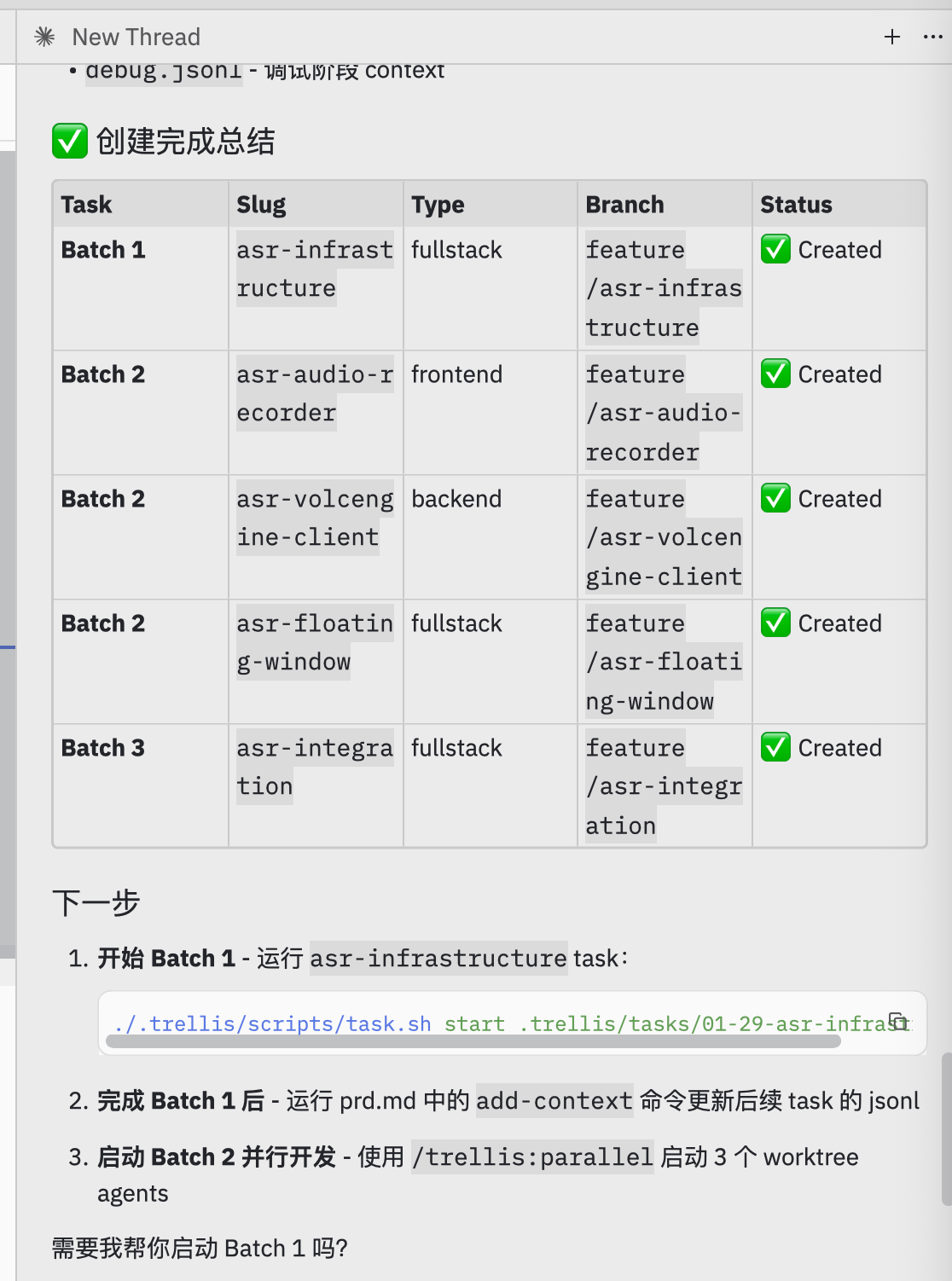
Complete Batch 1
After Batch 1 completes, verify and update downstream task contexts: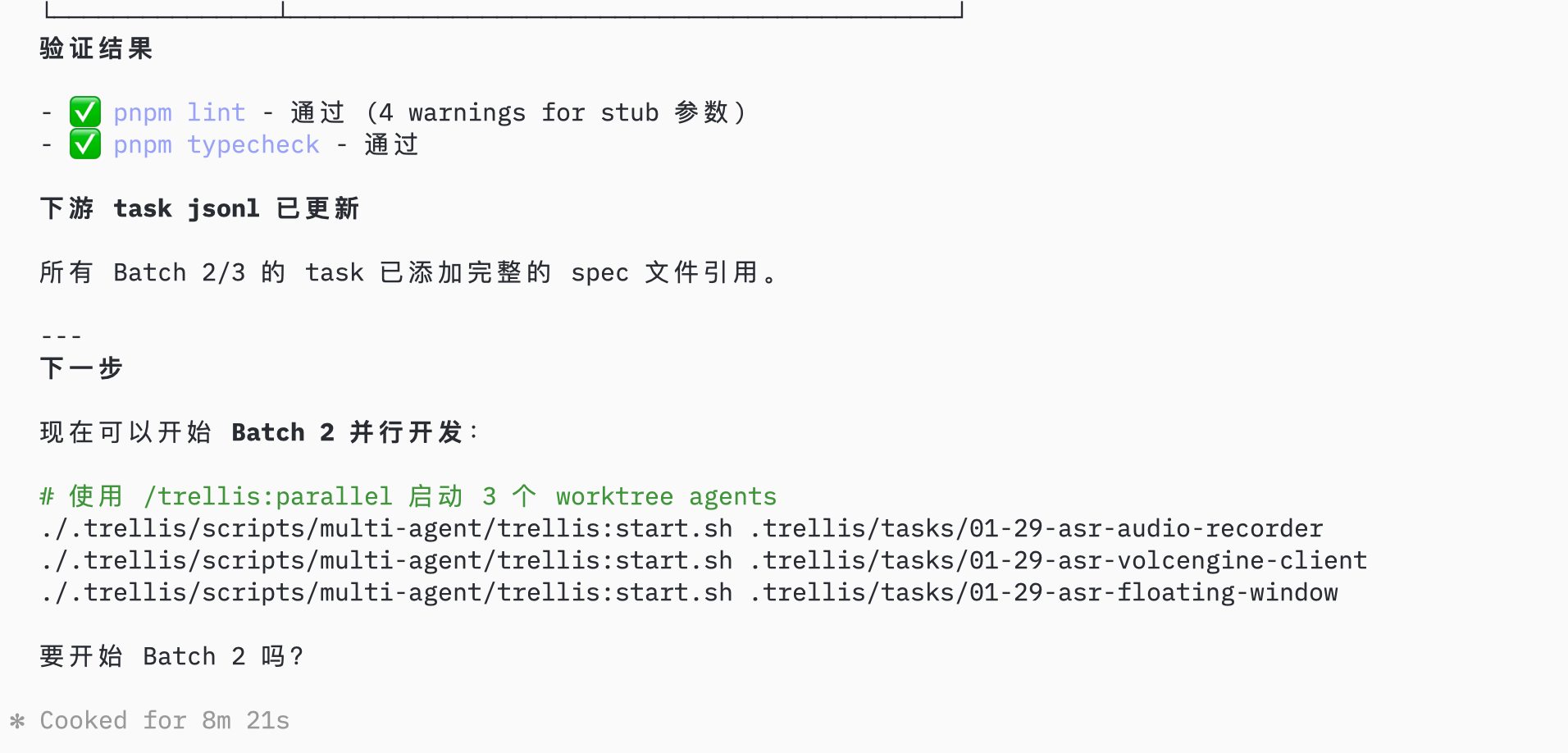
Parallel Development
Start Parallel Sessions
For current Trellis, create one Git worktree and one AI session for each Batch 2 task, then start the matching Trellis task inside that session.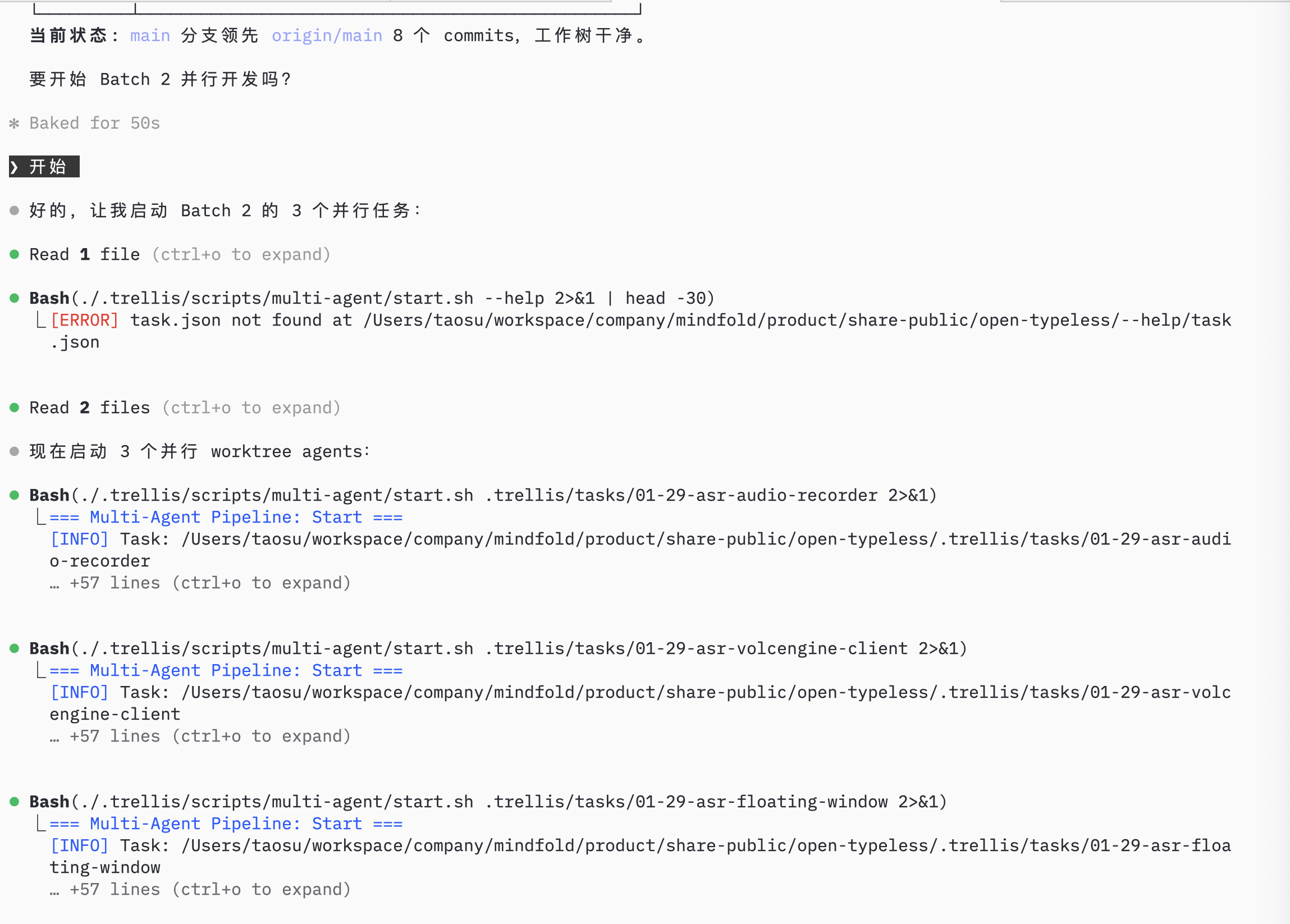
Monitor Progress
Check Agent Status
AI monitors agent status and task progress: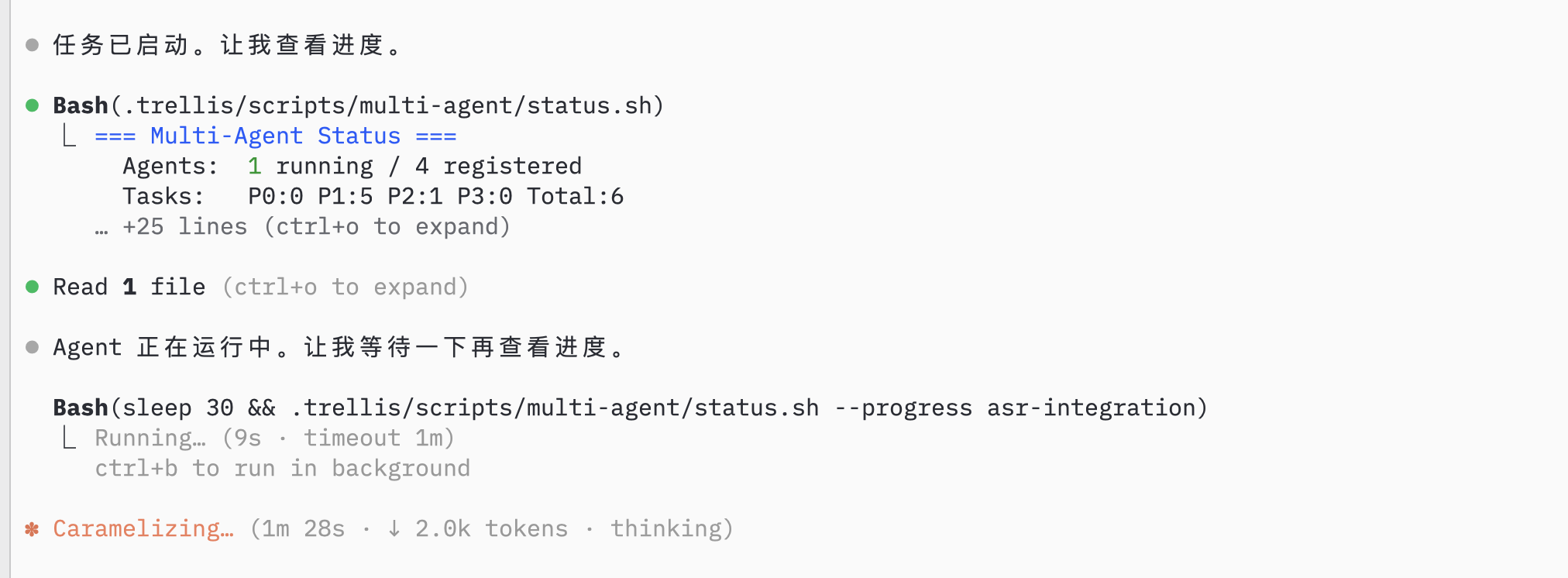
Record Session
After parallel sessions complete, review and merge each branch through your normal Git process: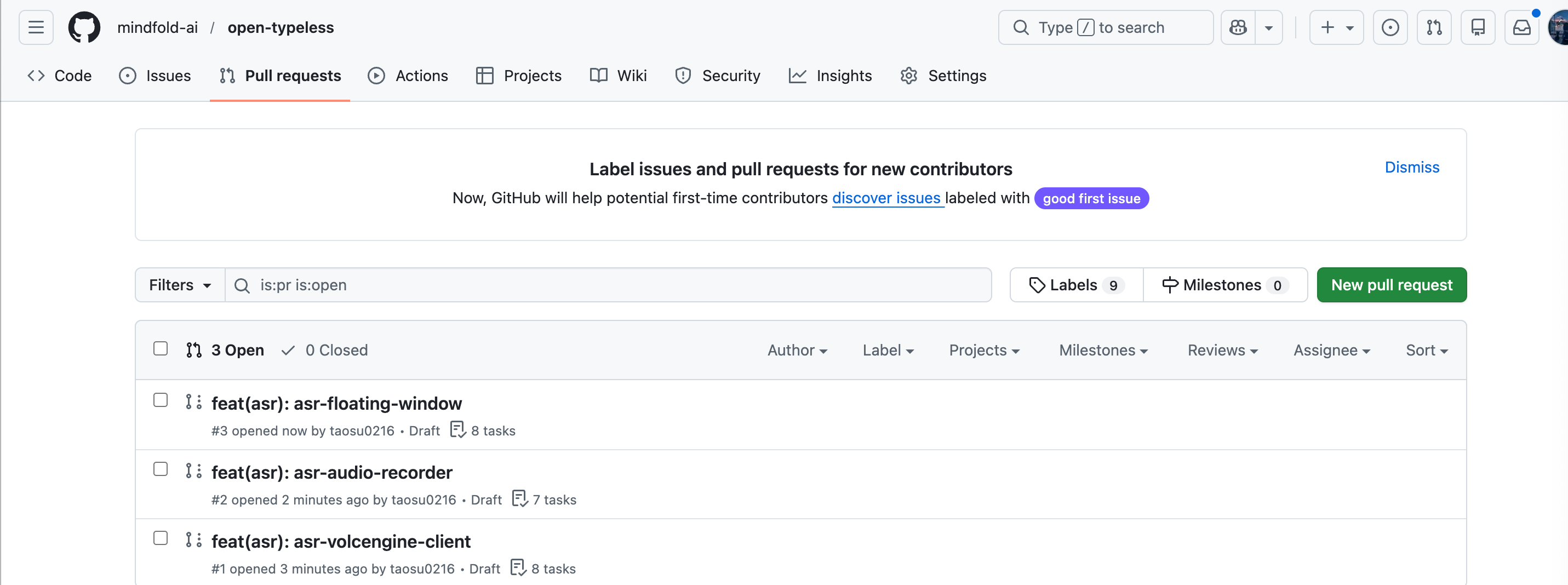
/trellis:finish-work
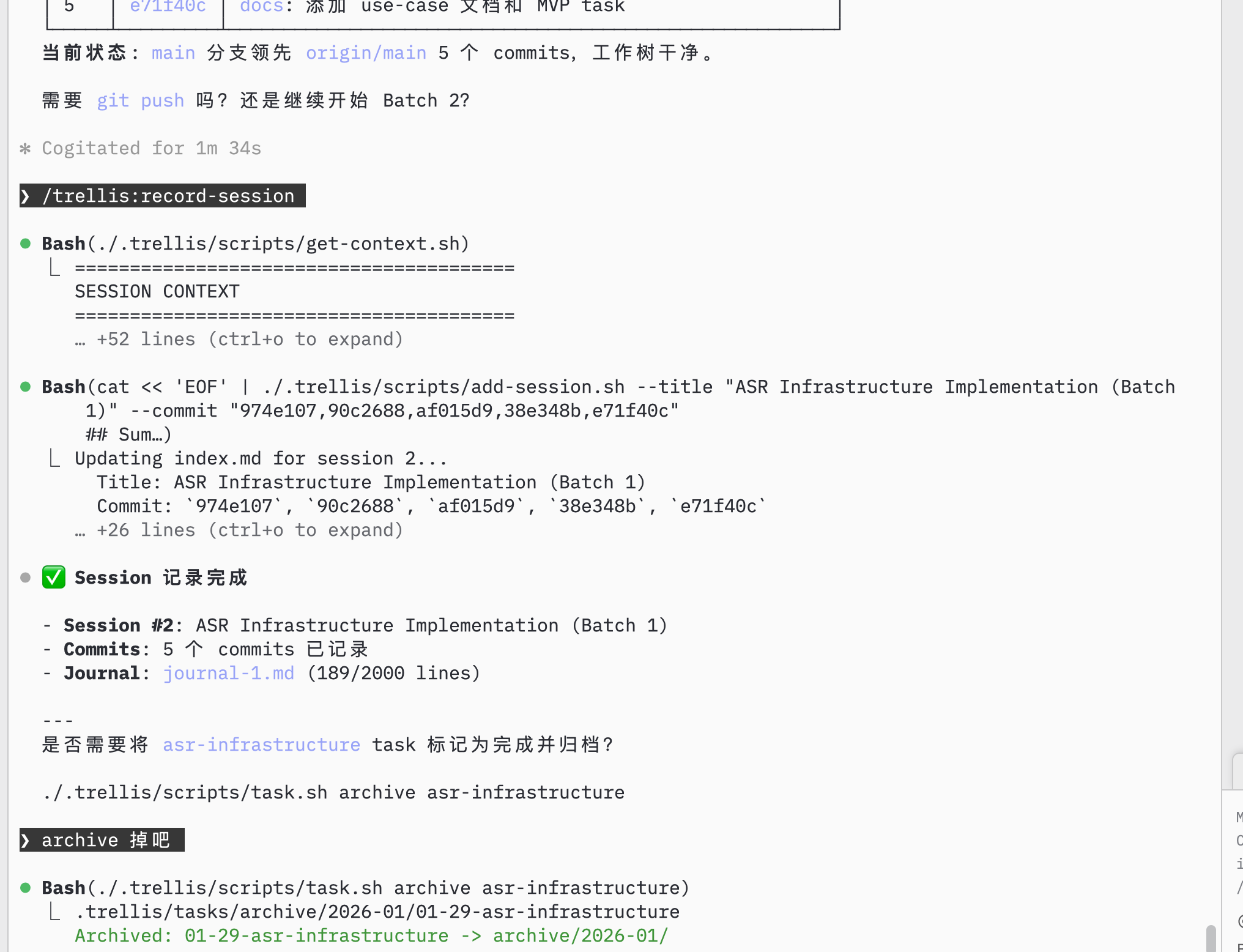
Continue Development
Check Remaining Tasks
AI shows remaining tasks in the current project: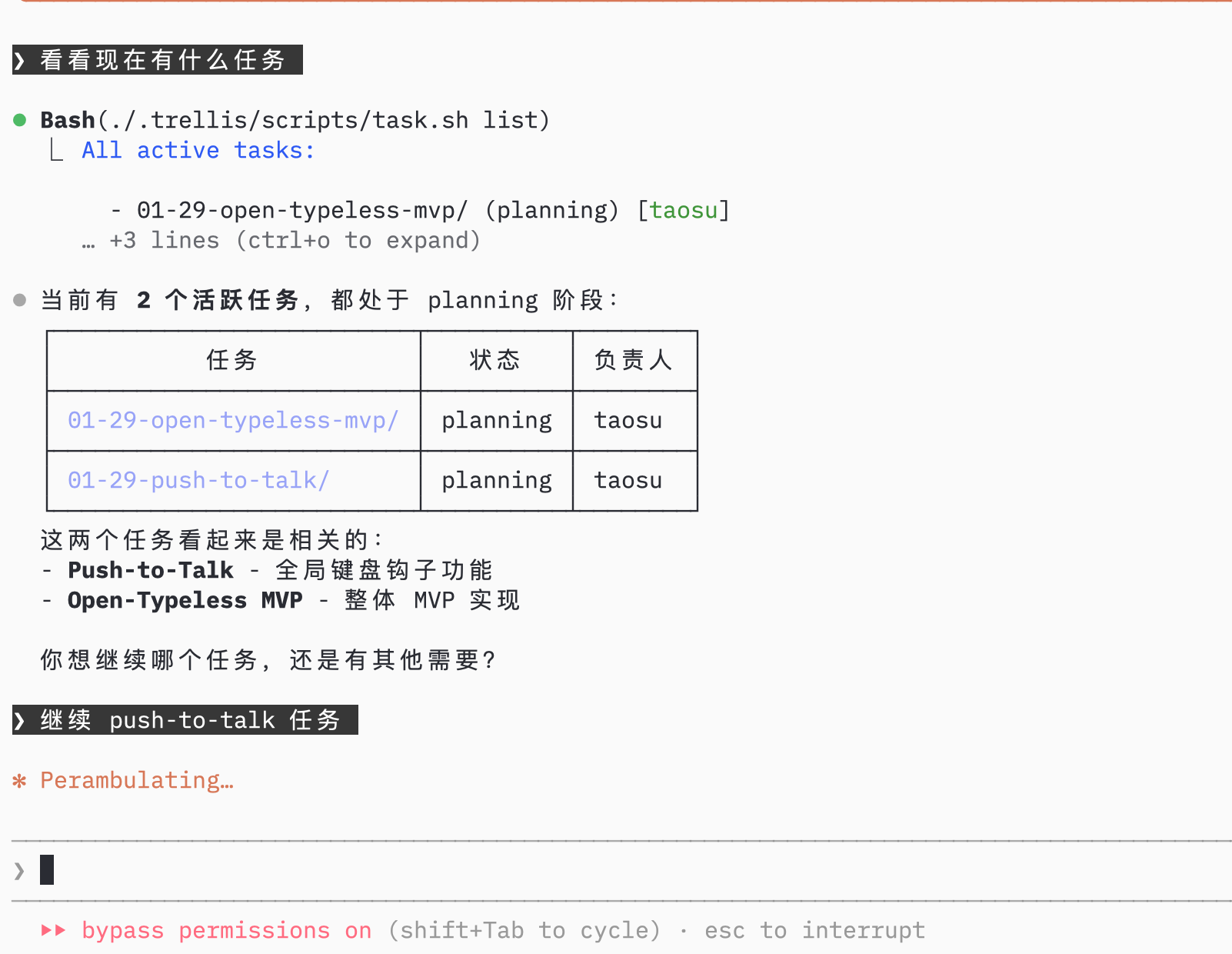
Implement Next Feature
Select the next task, AI uses trellis-implement sub-agent then trellis-check sub-agent: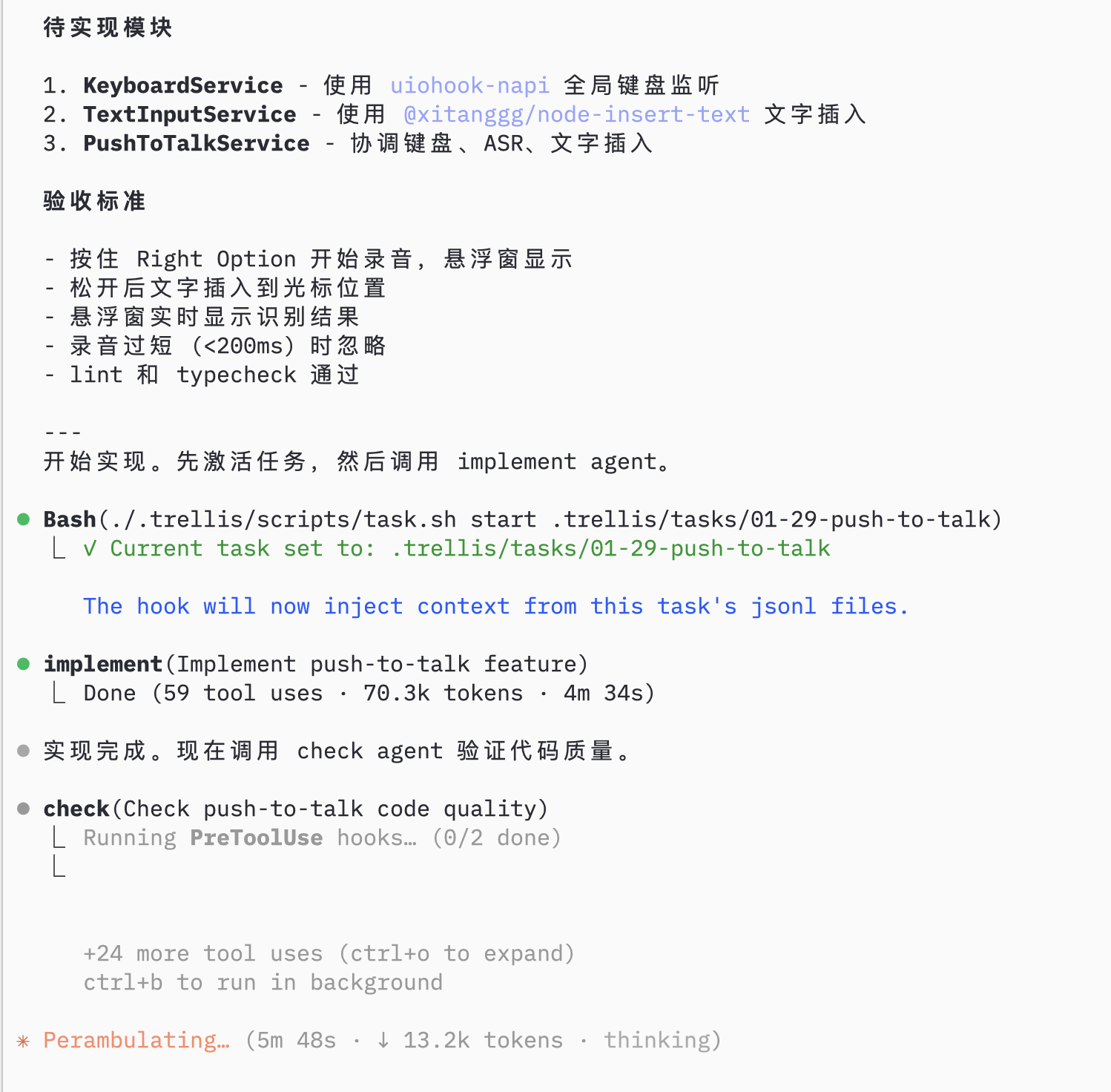
Configure and Test
AI helps with remaining setup (environment config, permissions):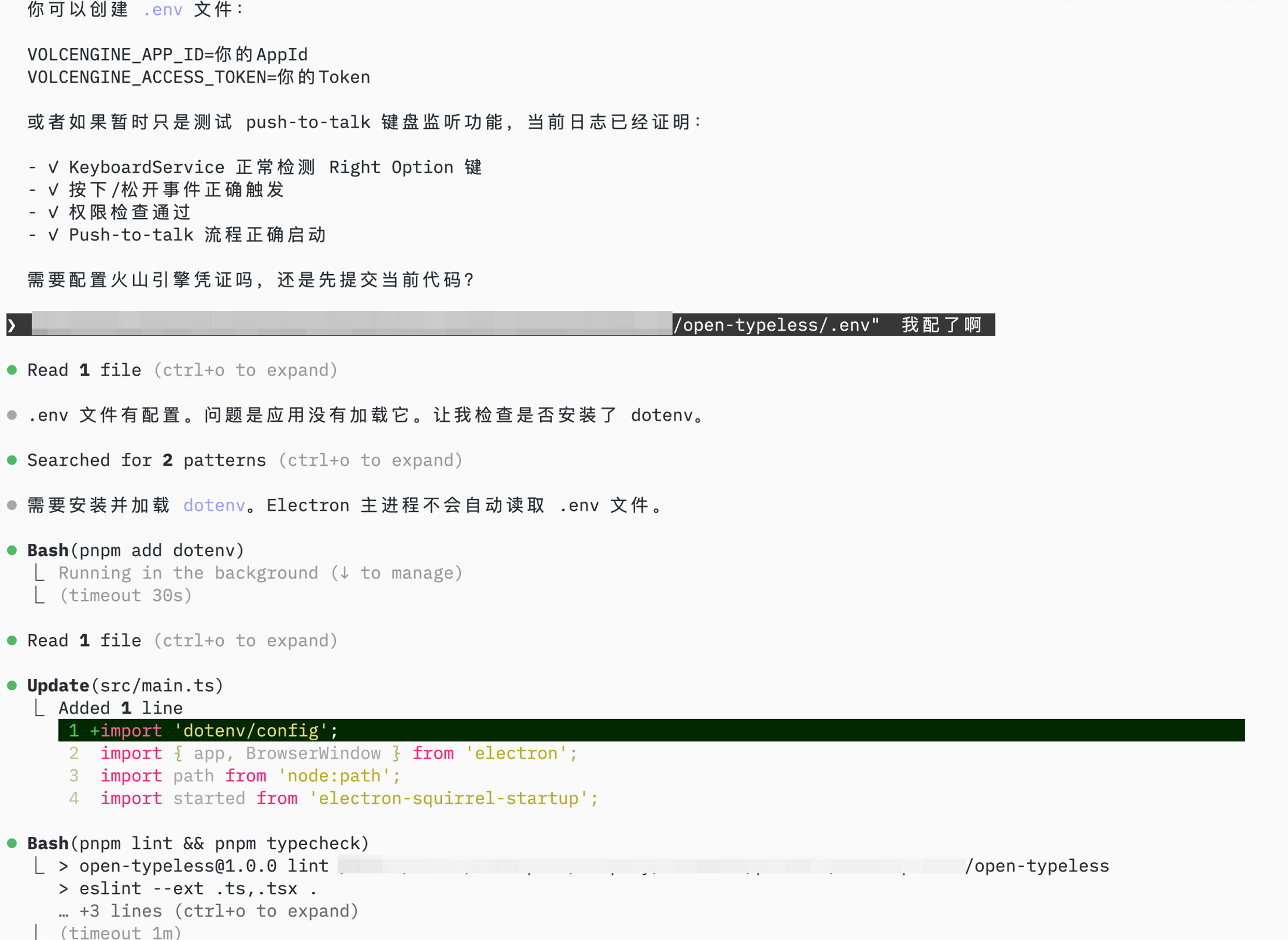
Summary
Using Trellis to build open-typeless:
Result: Complete Electron app in 1 day, with structured specs and documented progress.