跳转到主要内容

Documentation Index

Fetch the complete documentation index at: https://docs.trytrellis.app/llms.txt

Use this file to discover all available pages before exploring further.

open-typeless

一个手把手教程,展示如何用 Trellis 从零开始构建 macOS 语音输入应用。

项目初始化

创建 Electron 项目

npx create-electron-app@latest open-typeless --template=vite-typescript

cd open-typeless

# 删除 npm 生成的文件
rm -rf node_modules package-lock.json

# 创建 .npmrc (pnpm + Electron 必需)
cat > .npmrc << 'EOF'
node-linker=hoisted
shamefully-hoist=true
EOF

# 用 pnpm 重新安装
pnpm install

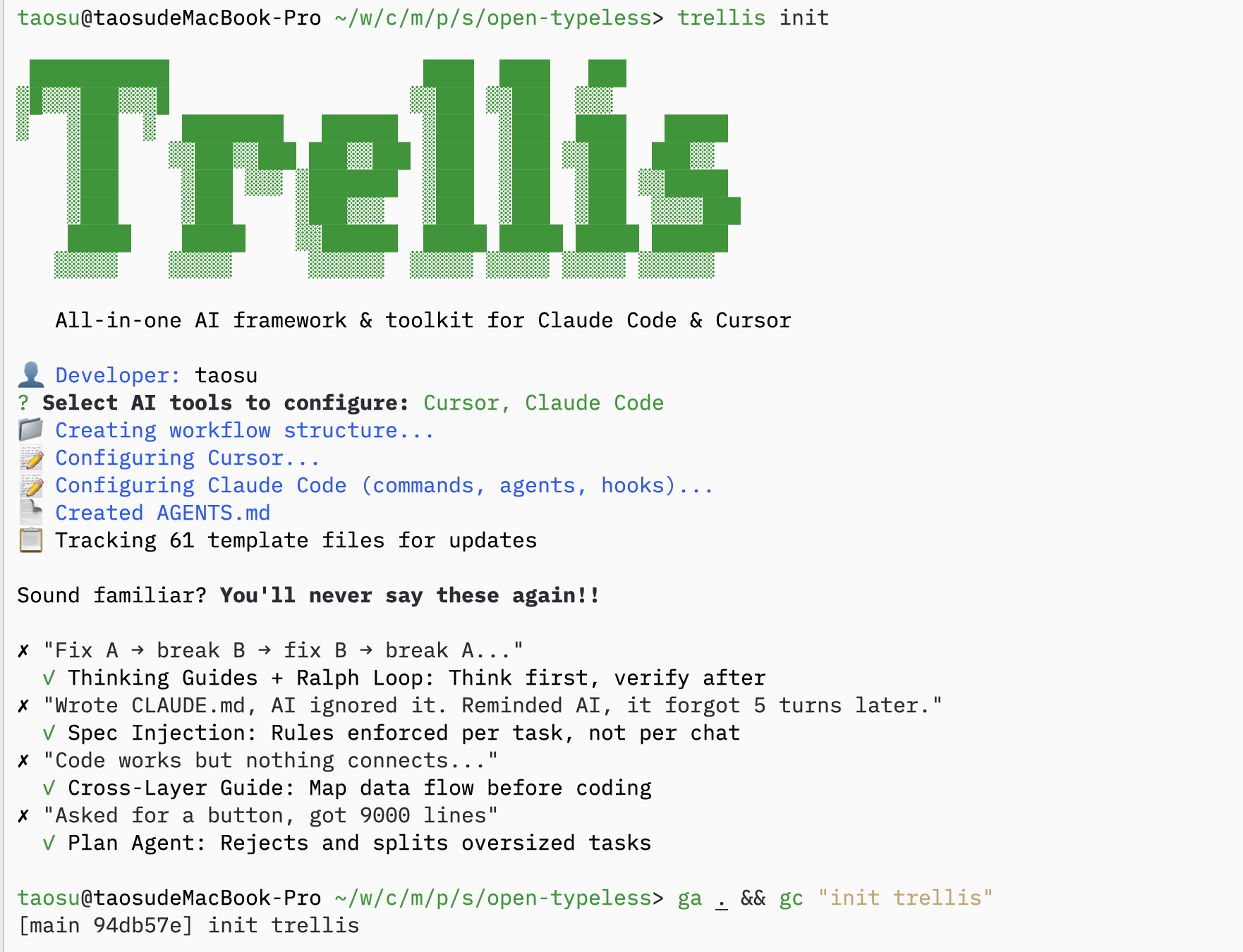
初始化 Trellis

trellis init
trellis init

从旧项目复制 Spec

如果有类似项目的 spec,可以复制过来:
cp -r /path/to/old-project/.trellis/spec ./

让 AI 填充 Spec

Prompt:
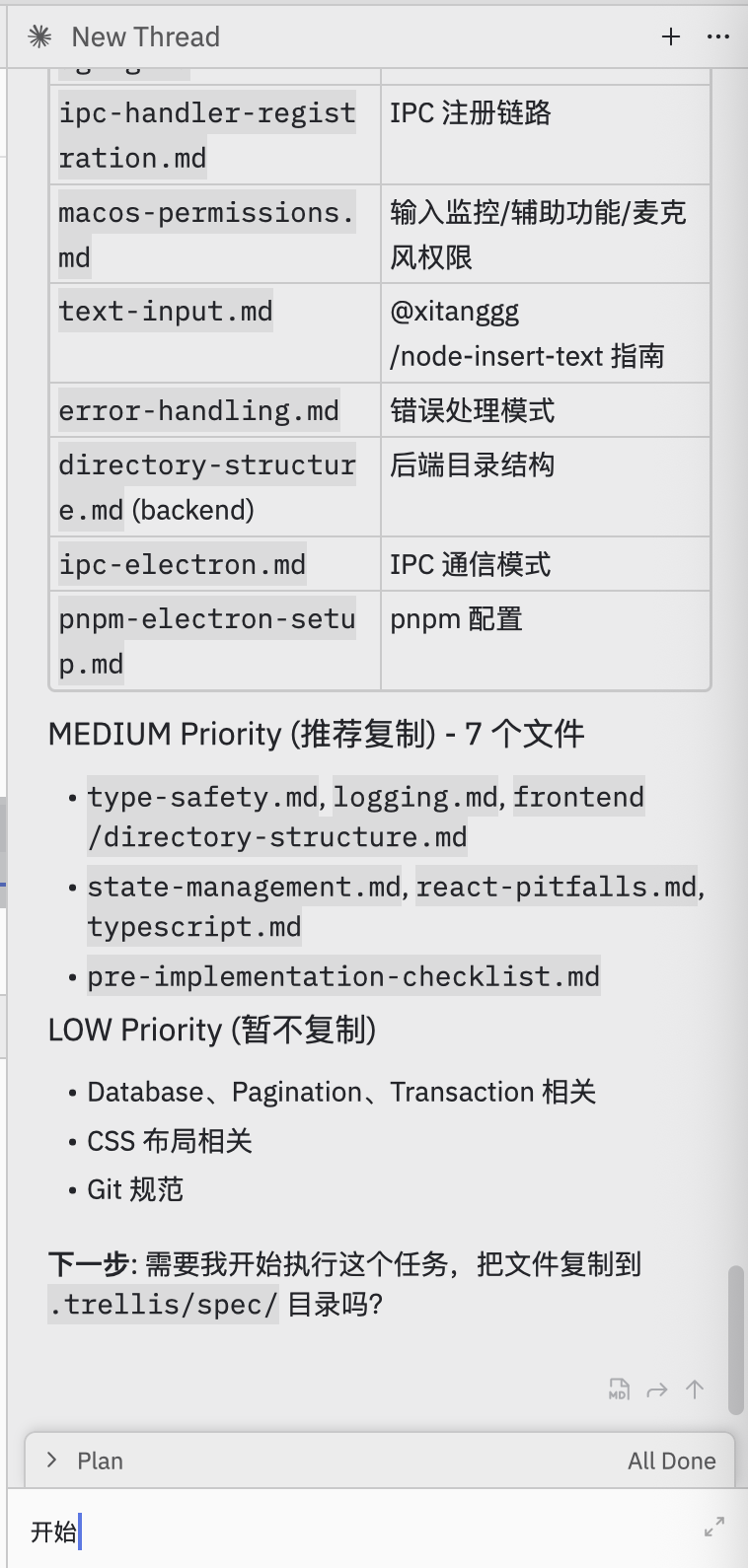
帮我从 electron-doc/ 里选择有用的 spec,整理到本项目的 .trellis/spec/ 里
AI 会分析并组织 spec: spec selection

任务规划

让 AI 规划任务

Prompt:
我打算用火山引擎 ASR BigModel API 来做这个。帮我规划一下怎么拆分任务。
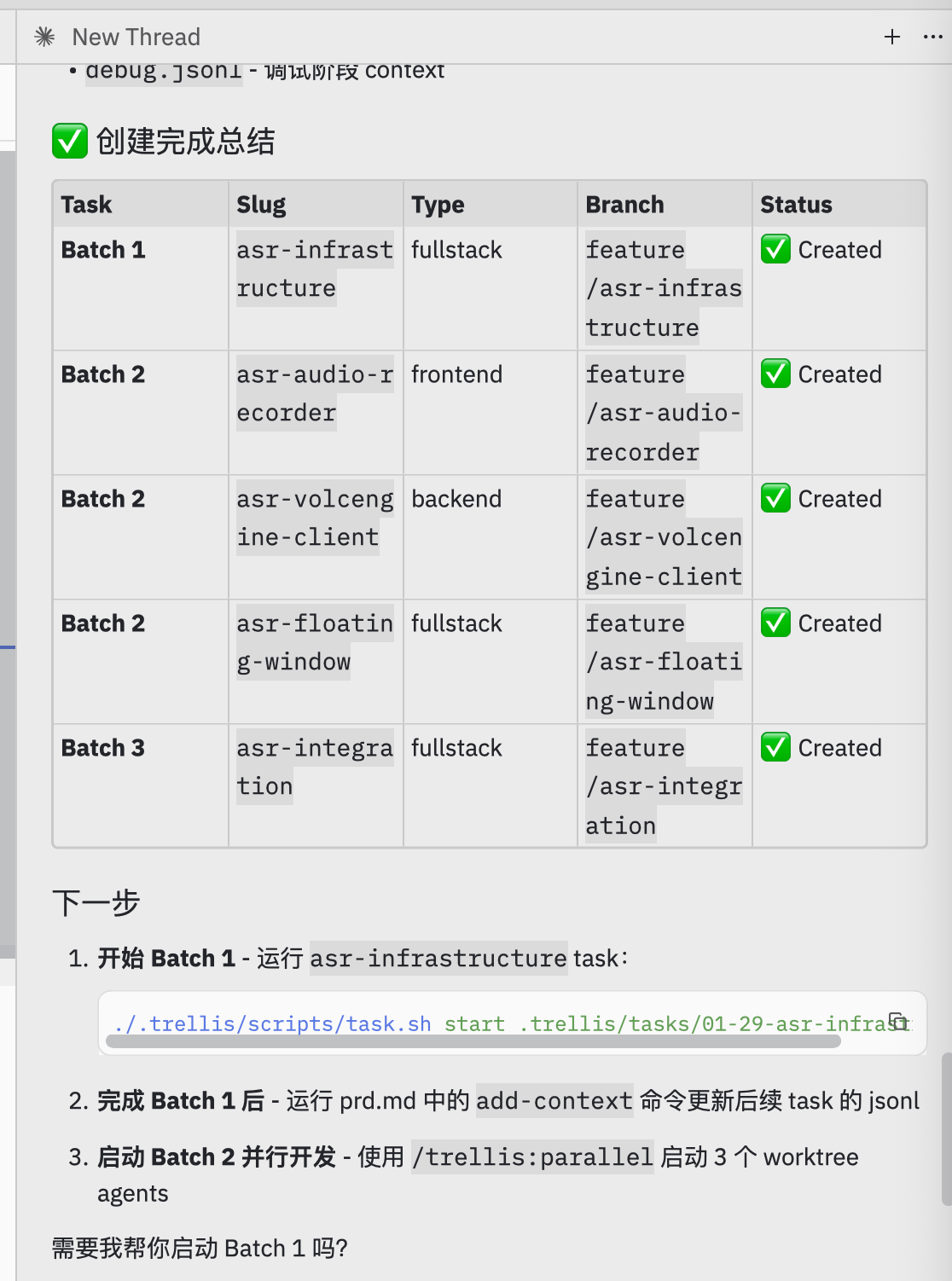
AI 创建基于批次的任务计划: task planning

创建任务

AI 把任务组织成批次:
批次任务目的
Batch 1asr-infrastructure基础设施(必须先完成)
Batch 2asr-audio-recorder, asr-volcengine-client, asr-floating-window可以并行开发
Batch 3asr-integration集成(依赖 Batch 2)
tasks created

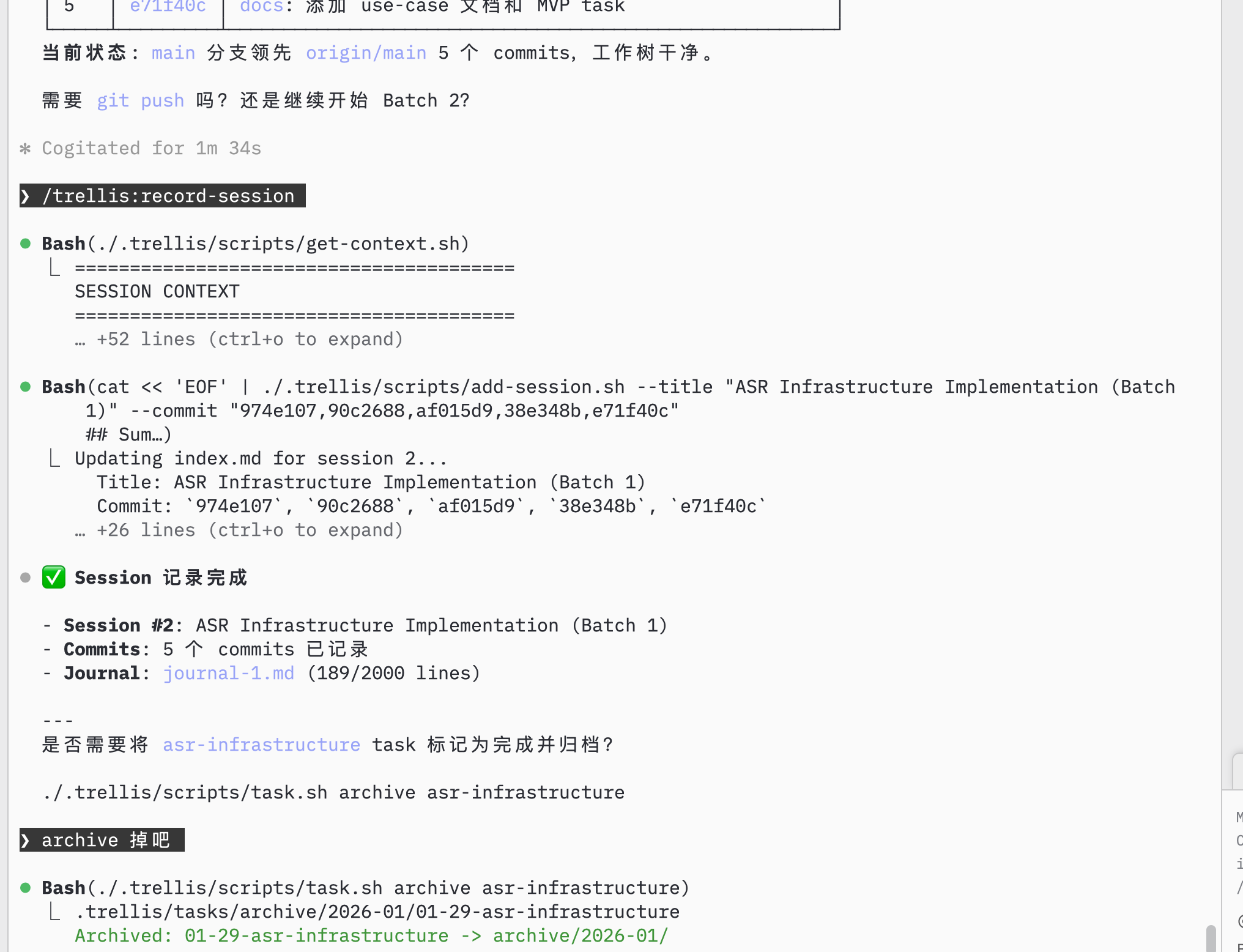
完成 Batch 1

Batch 1 完成后,验证并更新下游任务的 context: batch 1 complete
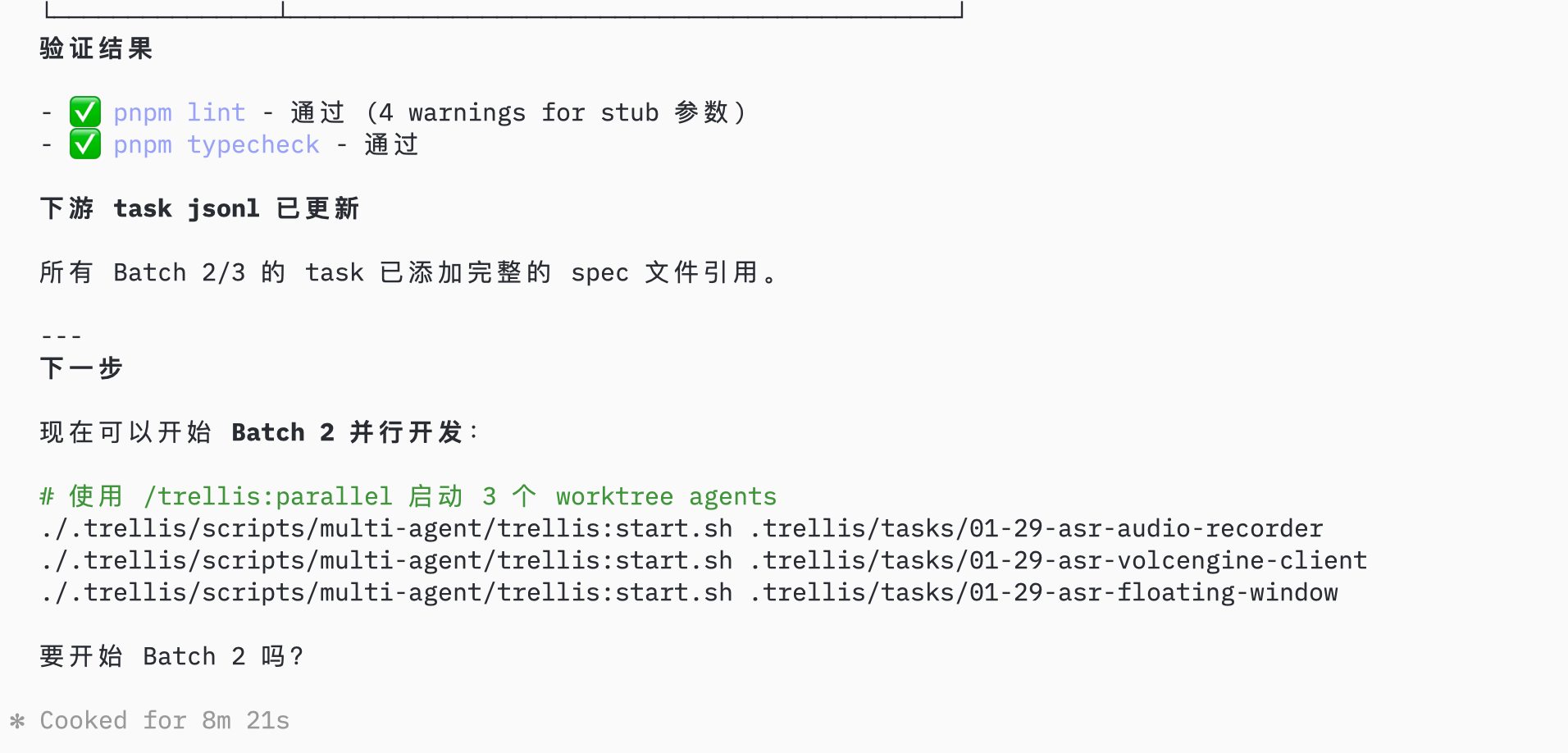
并行开发

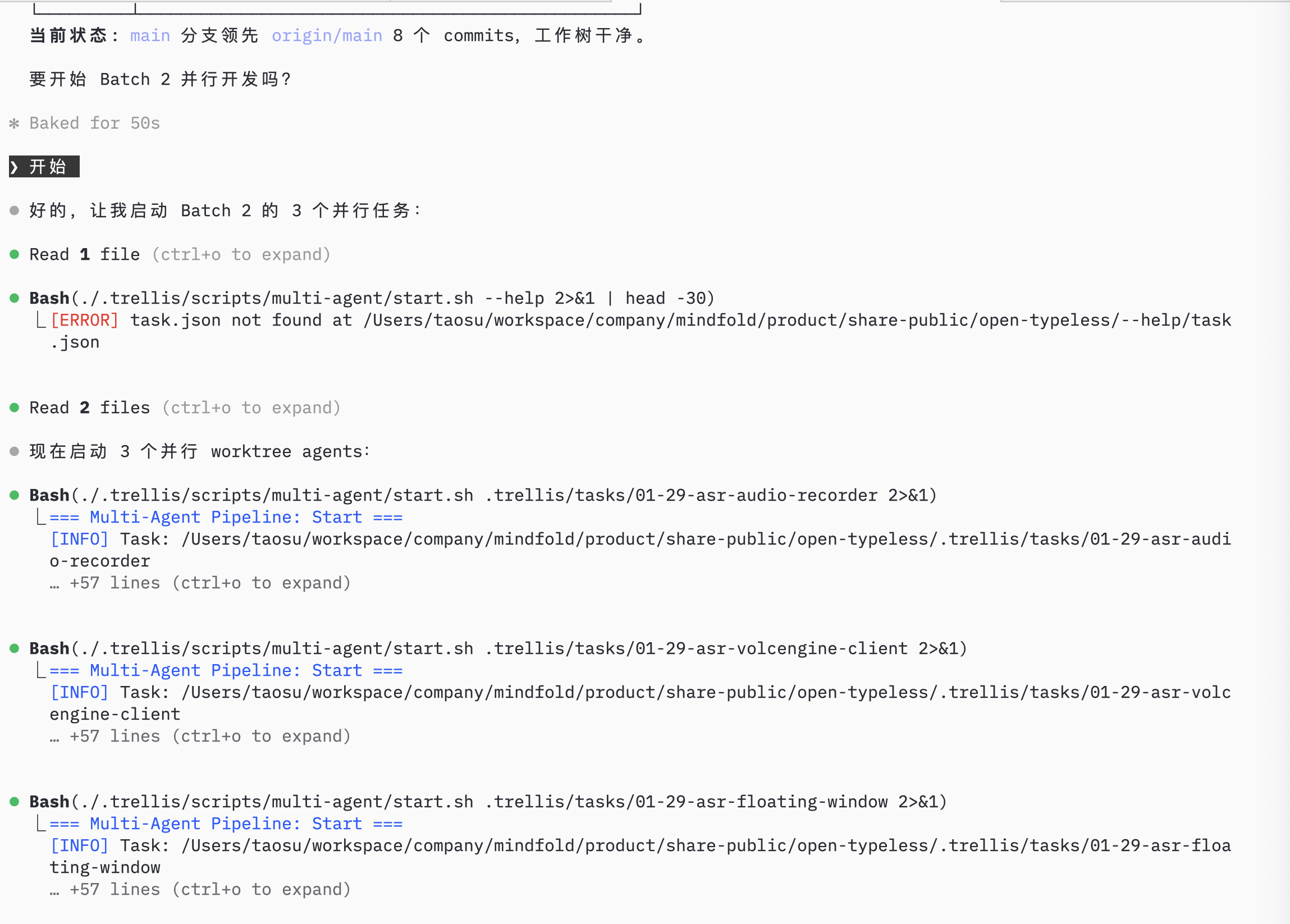
启动并行会话

当前 Trellis 推荐为 Batch 2 的每个任务创建一个 Git worktree 和一个 AI 会话,然后在对应会话里 start 对应 Trellis task。
git worktree add ../asr-audio-recorder -b feature/asr-audio-recorder
git worktree add ../asr-volcengine-client -b feature/asr-volcengine-client
git worktree add ../asr-floating-window -b feature/asr-floating-window
每个会话各自记录自己的当前 task,一个会话里 start 任务不会影响另一个会话。 parallel agents

监控进度

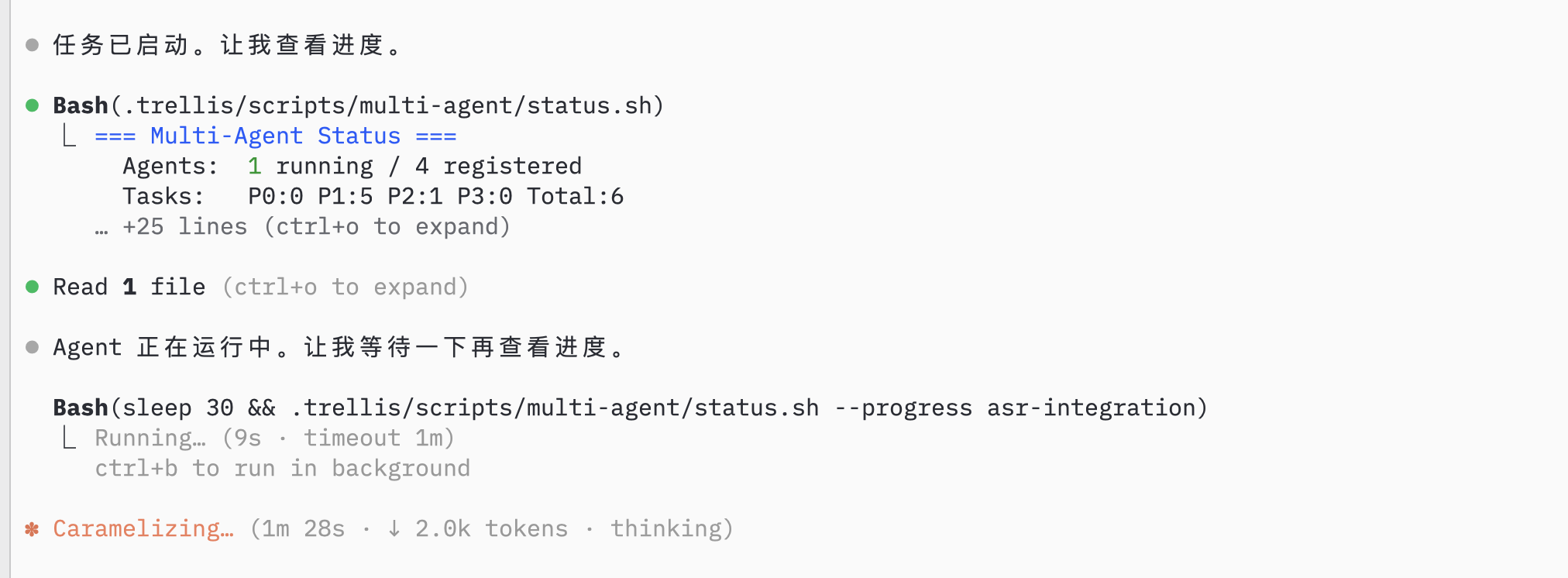
查看 Agent 状态

AI 监控 agent 状态和任务进度: agent status

记录 Session

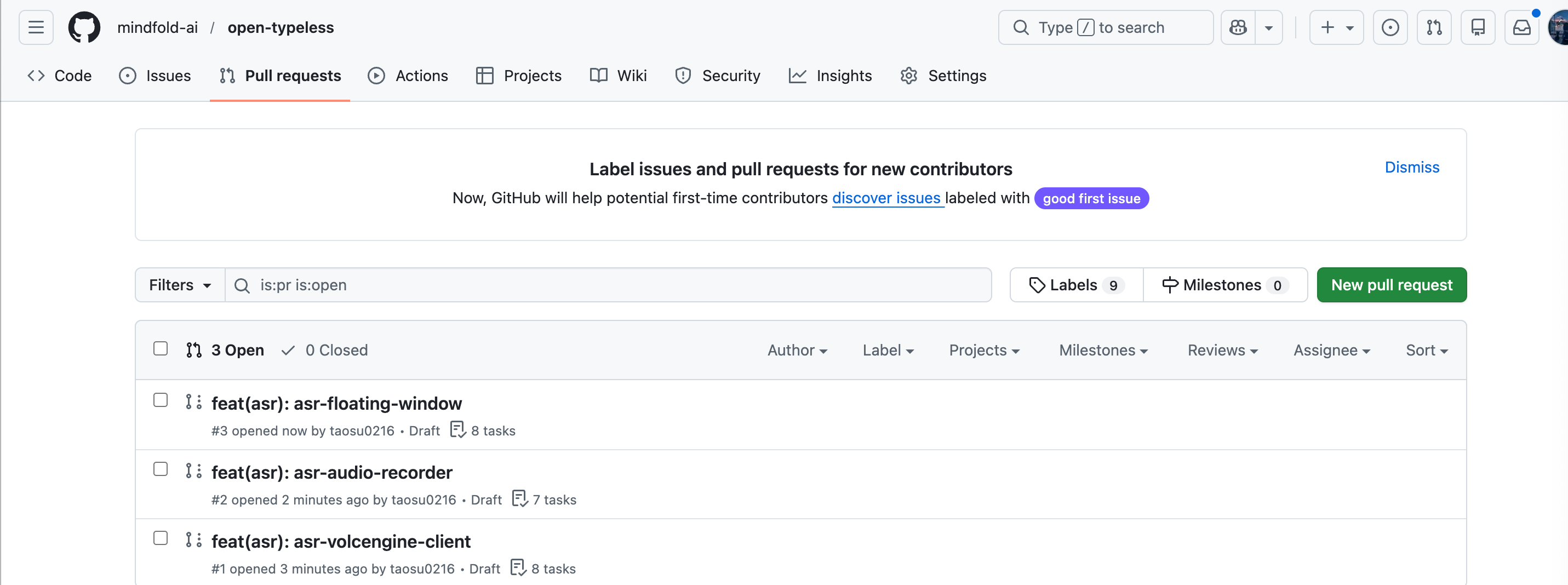
并行会话完成后,用你平时的 Git 流程 review 和 merge 每个分支: parallel PRs 合并并完成批次后,记录 session: Prompt: /trellis:finish-work record session
继续开发

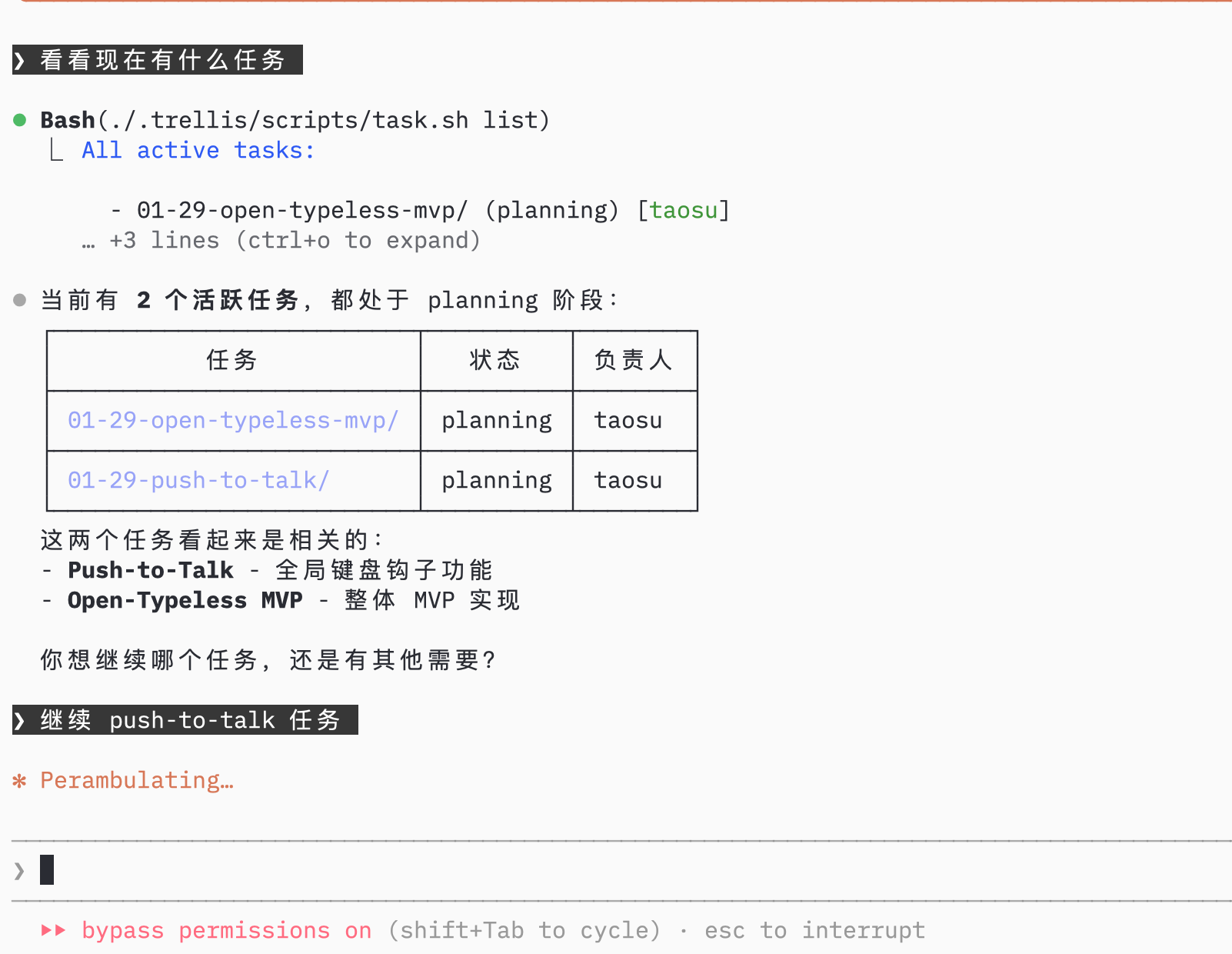
查看剩余任务

AI 显示当前项目的剩余任务: task list

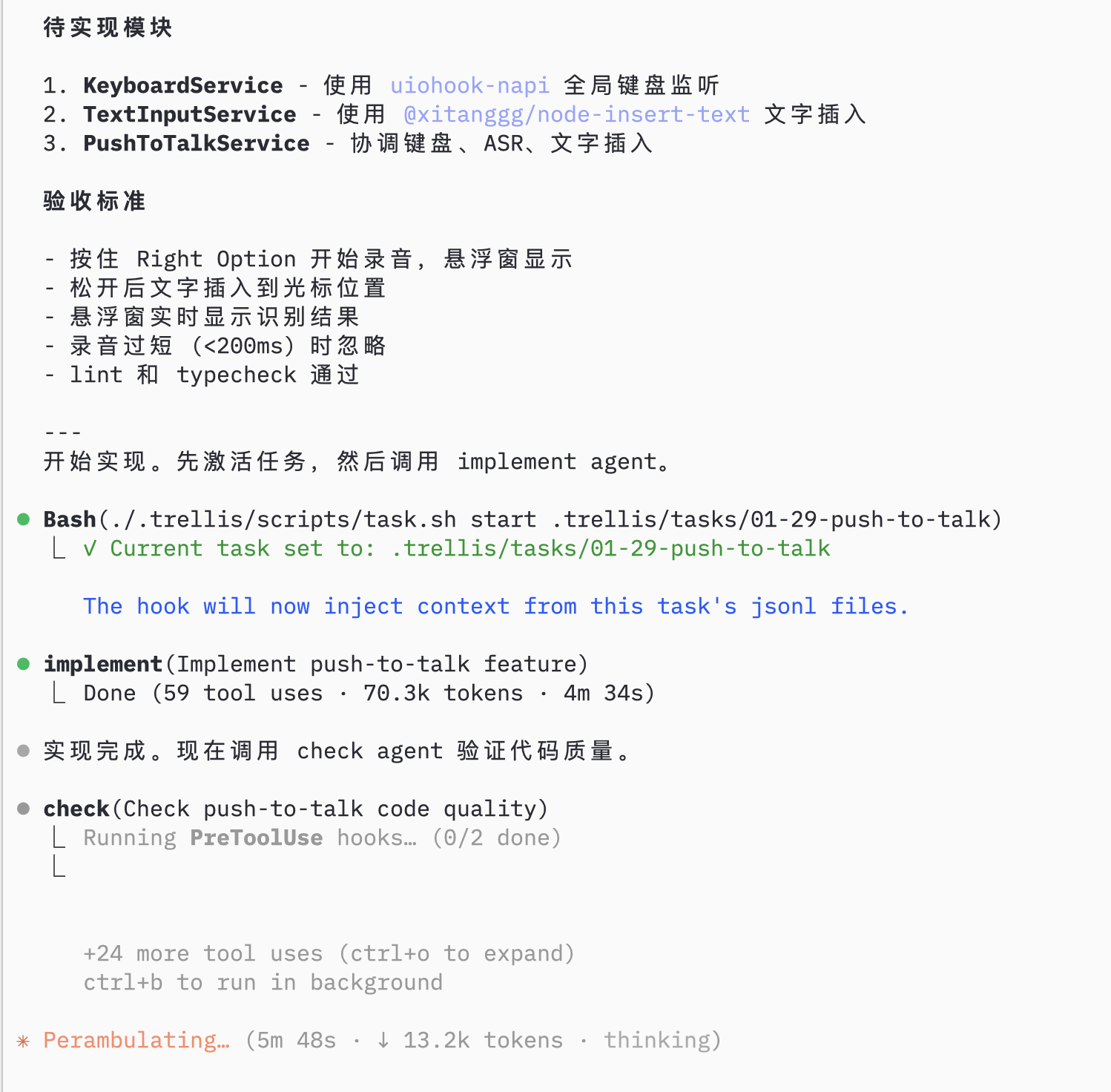
实现下一个功能

选择下一个任务,AI 用 trellis-implement sub-agent 然后 trellis-check sub-agent: implement and check
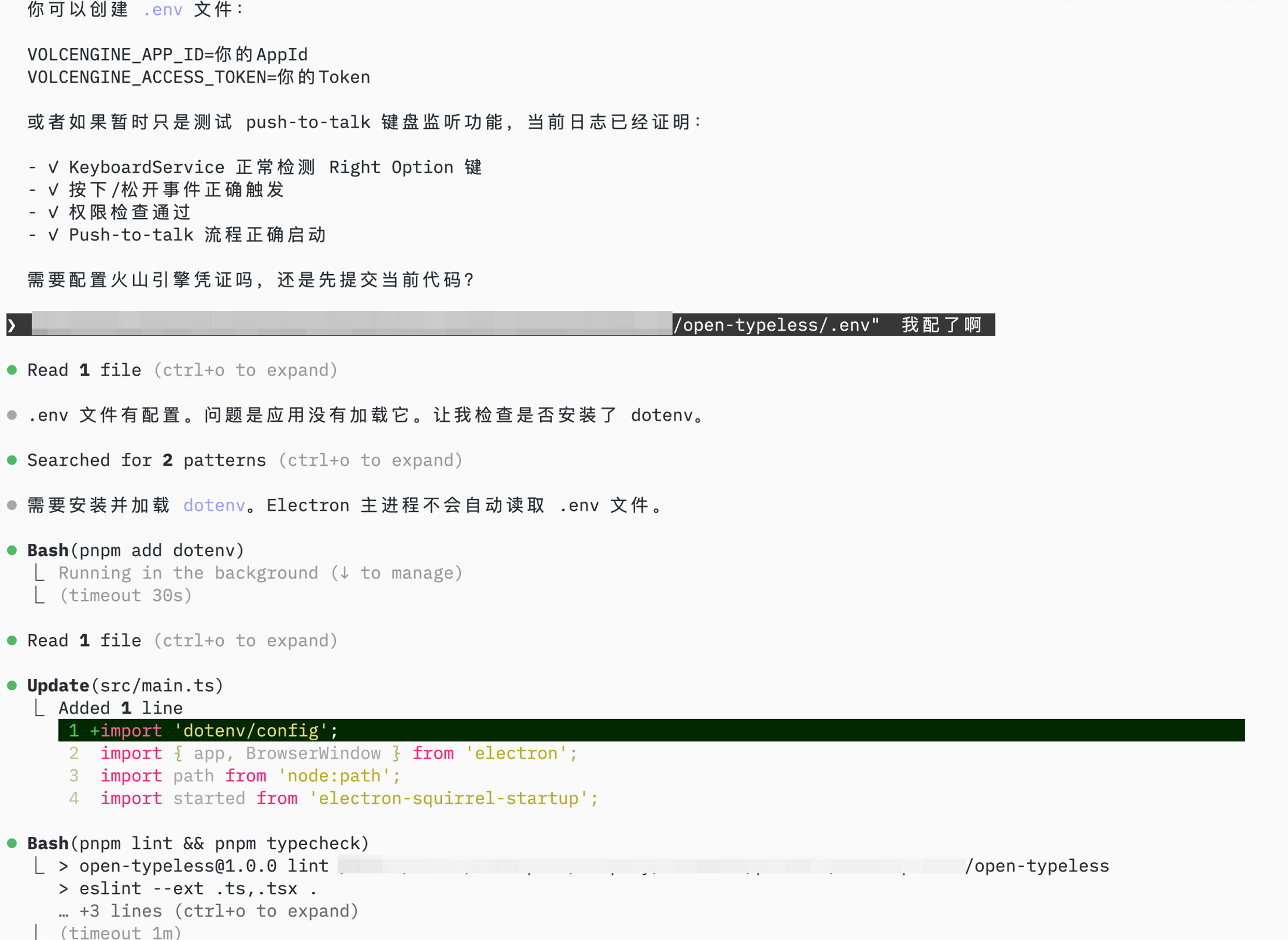
配置和测试

AI 帮助完成剩余设置(环境配置、权限): final setup

总结

用 Trellis 构建 open-typeless:
步骤做什么Trellis 功能
1初始化项目trellis init,spec 组织
2规划任务AI 任务拆分,批次规划
3并行开发原生 Git worktree + session-scoped Trellis tasks
4监控和记录/trellis:finish-work
5继续迭代Task hooks,implement/trellis-check sub-agents
结果: 1 天完成完整 Electron 应用,有结构化的 spec 和文档化的进度。